
Everything you need in one place
Import your media, build your story, refine your edit and deliver. Lightworks combines precise editing and trimming with the tools to organise footage, shape picture and sound, and export your finished project.
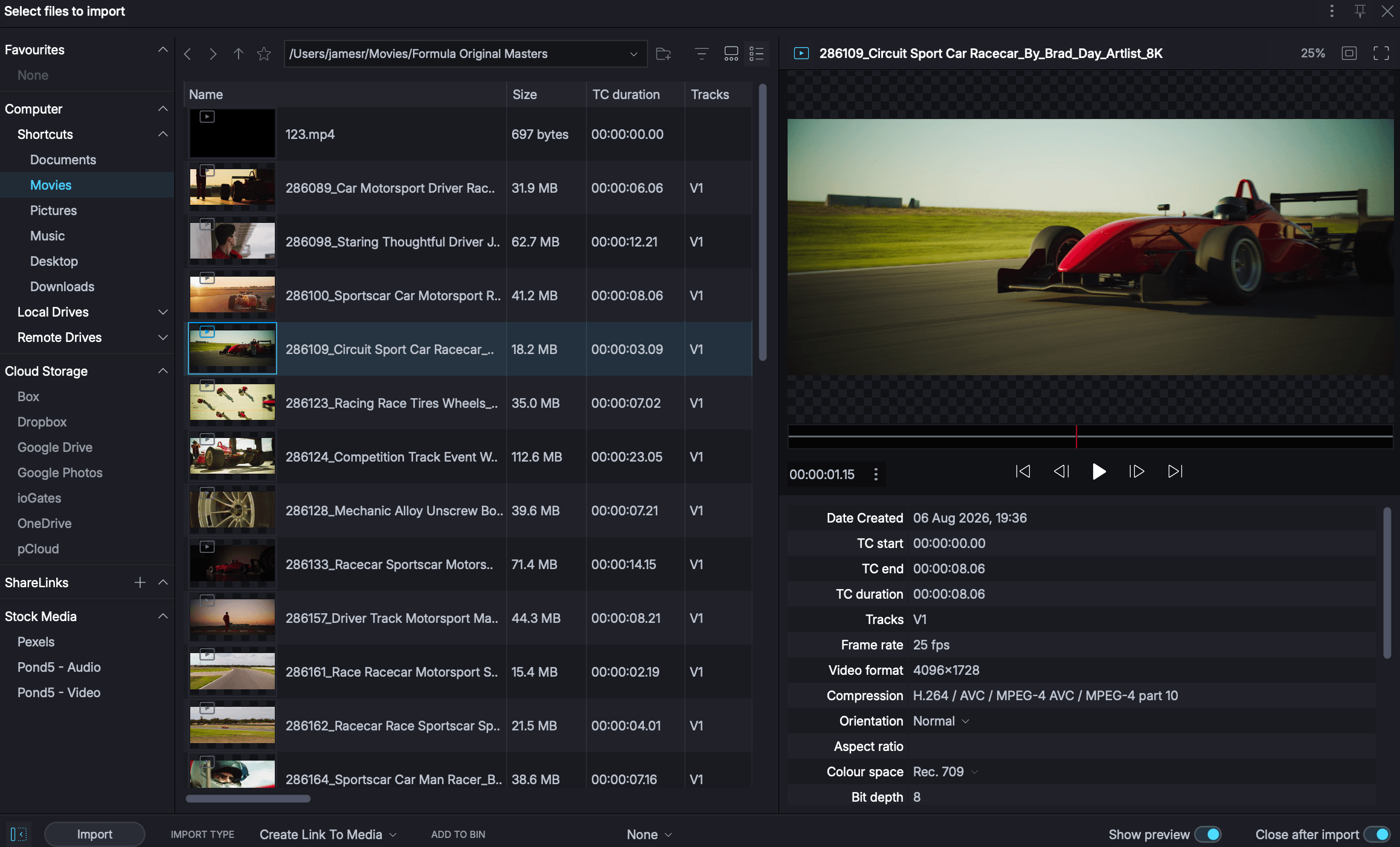 Import
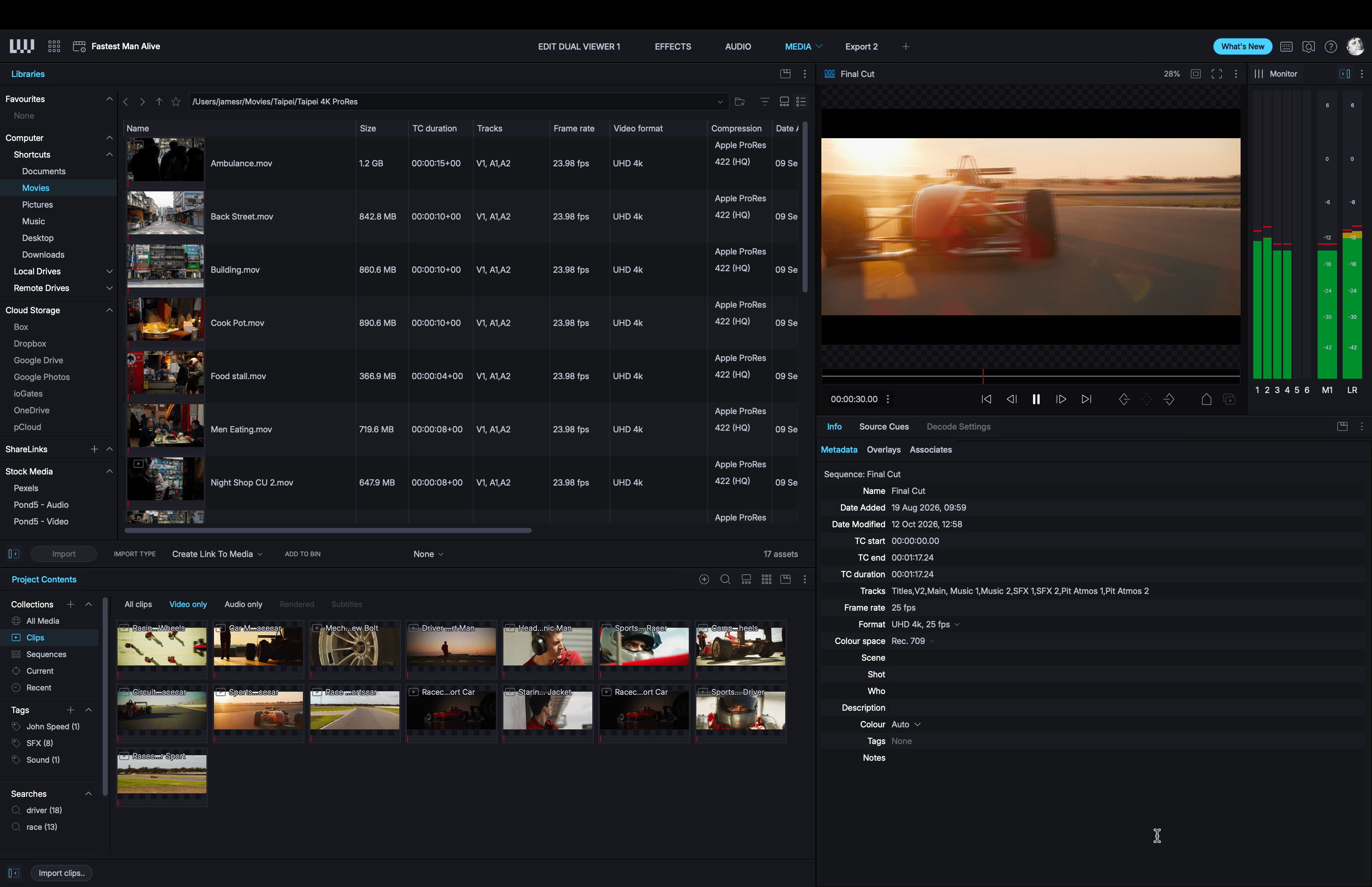 Organise
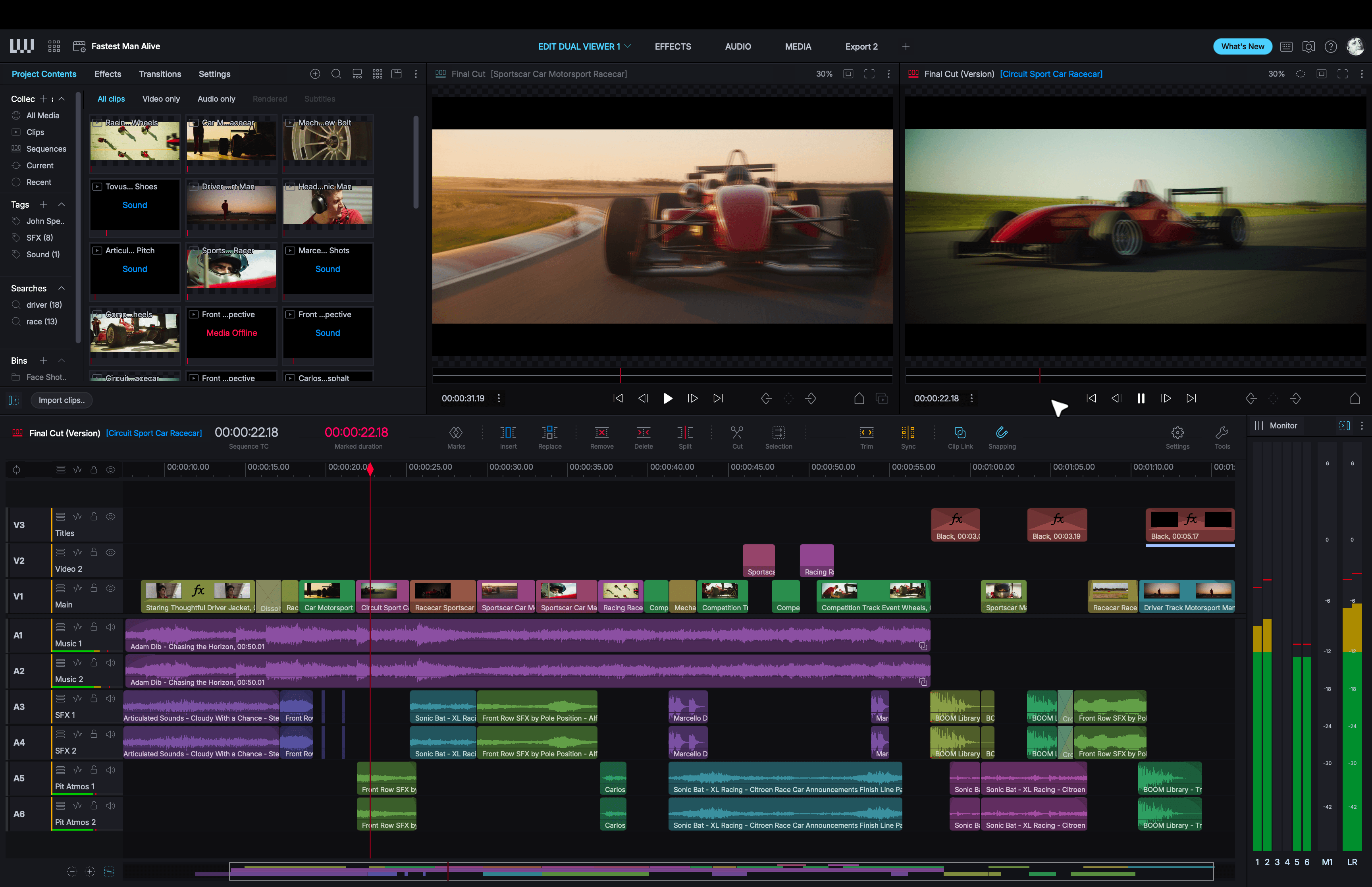 Edit
Edit
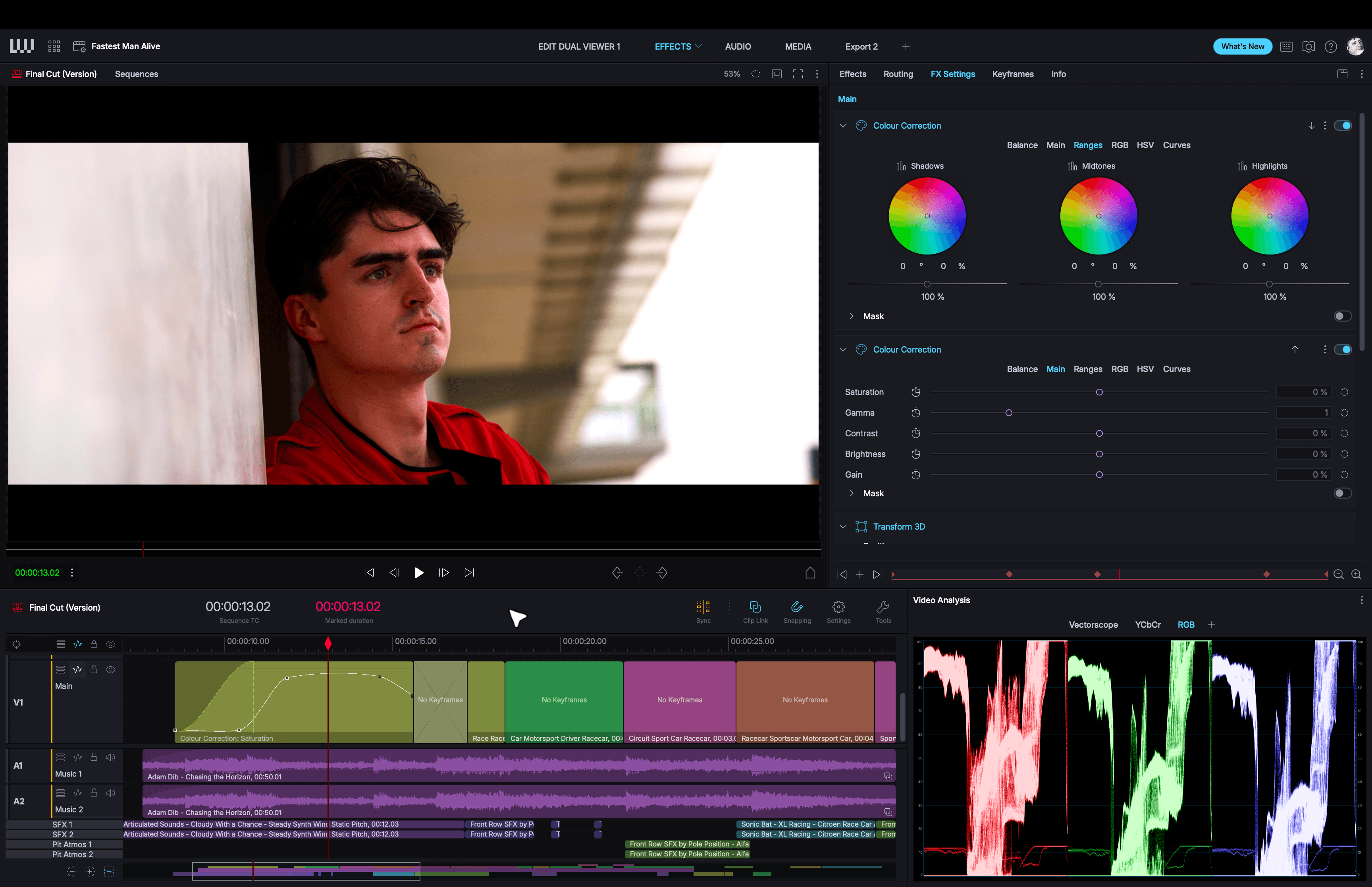 Effects
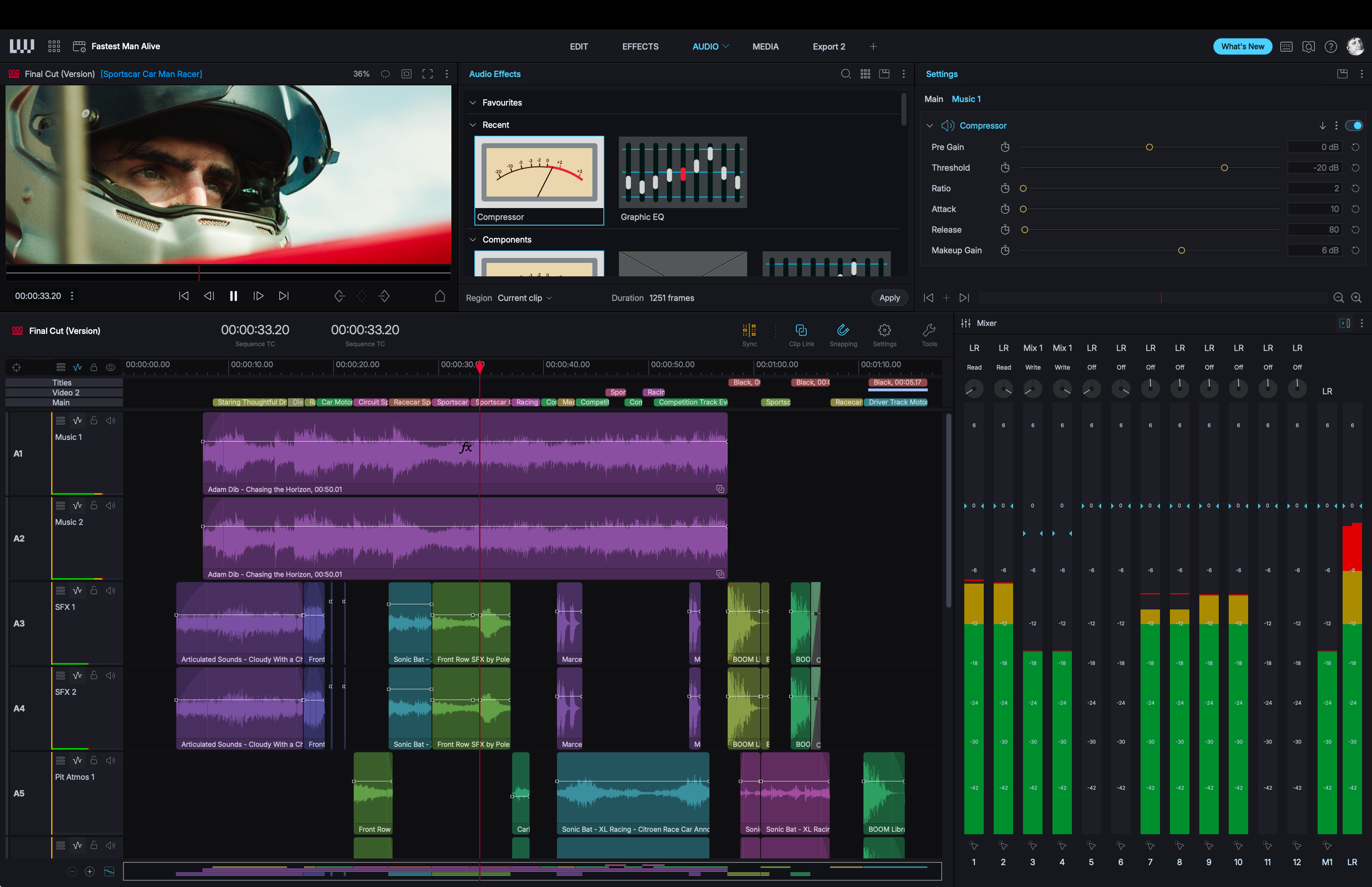 Audio
Audio
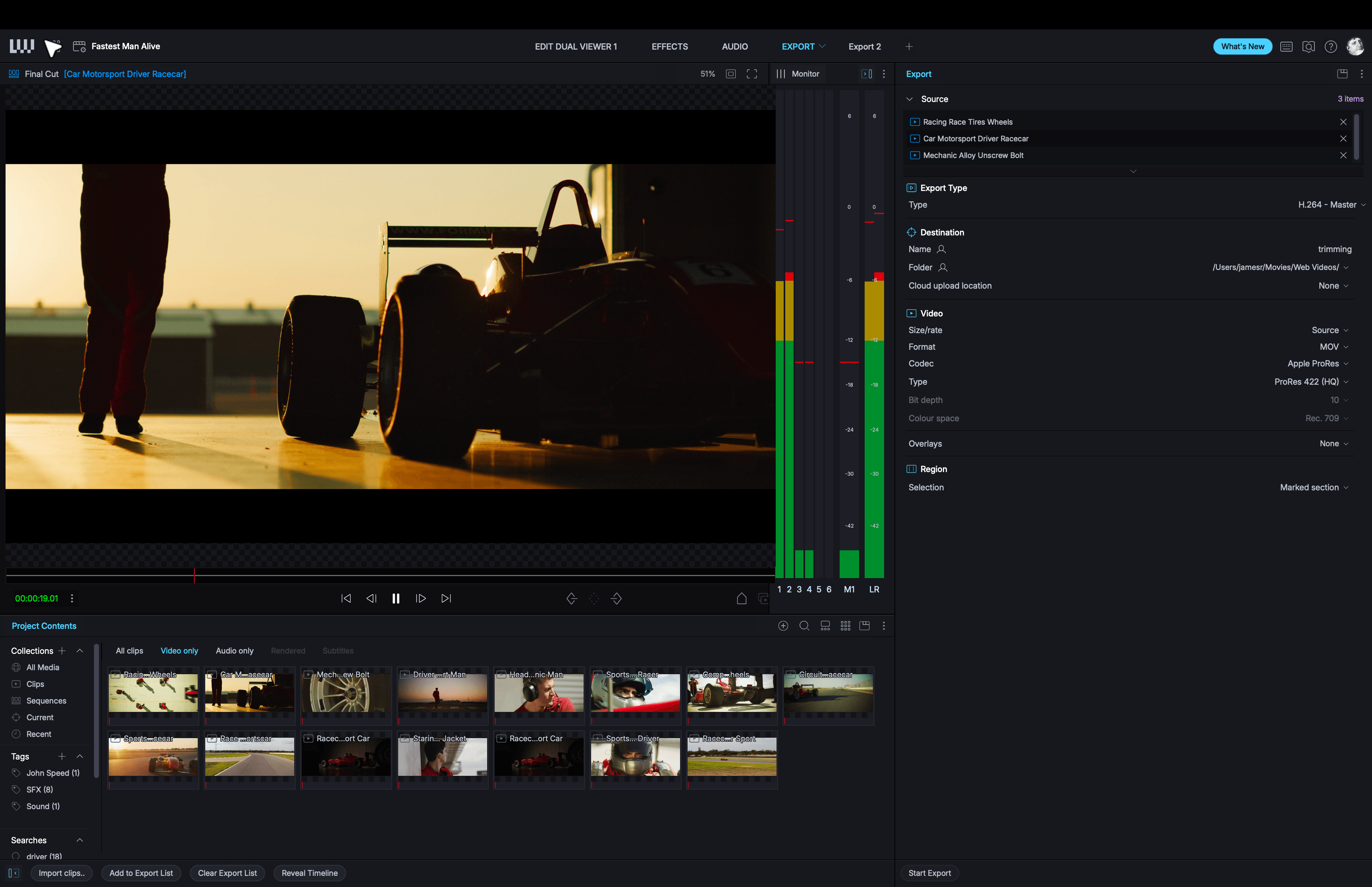 Export
Import anything (almost!)
Lightworks supports a huge range of video, audio and image formats and you can import from local or remote storage locations. With support up to 8K, our native proxy workflow makes editing with even the most demanding footage a breeze.
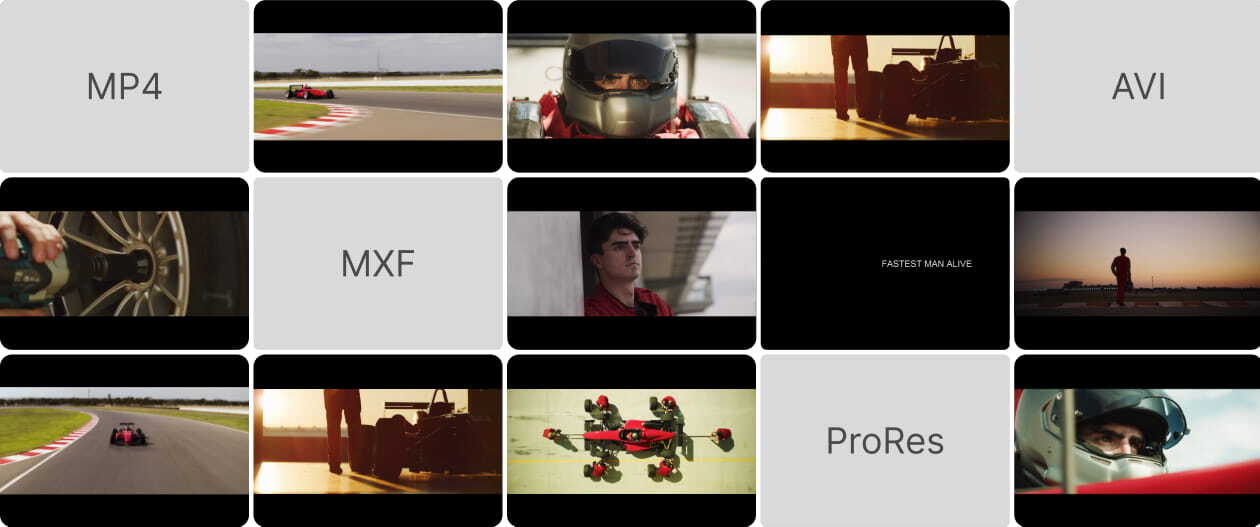
Work with your choice of formats
Bring in phone clips, professional camera footage, audio and stills into the same project. From familiar video formats such as H.264, H.265 and AV1 to ProRes, DNxHD/HR, RED and Blackmagic RAW, Lightworks supports a broad range of material in a variety of formats including MP4, MKV, MOV, MXF and AVI.
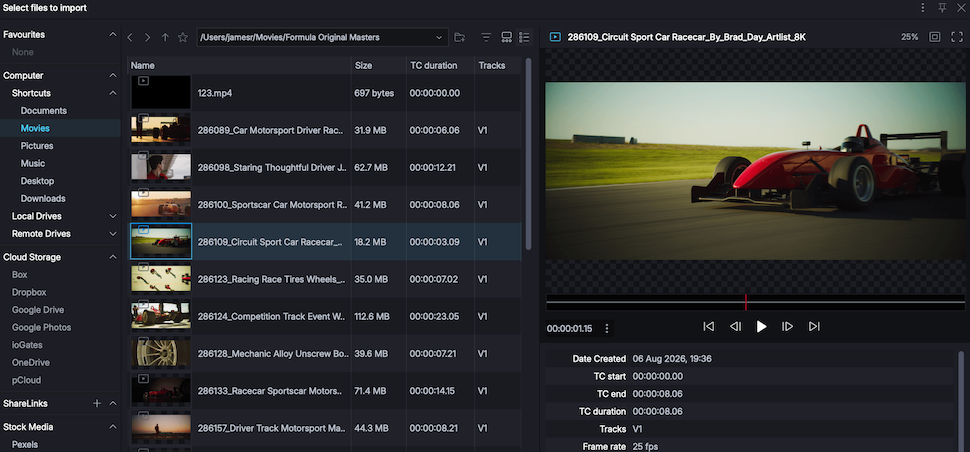
Preview before you import
Preview clips before adding them to your project. Check a take, review the content and choose the material you want to work with. Watch full screen and preview local or remote content.
Lighten the load with proxies
Create lightweight proxies that look almost indistinguishable from the originals, with less demand on your computer. Choose your proxy format and switch between the original and proxy on the fly, keeping large projects more manageable.
Manage your media with ease
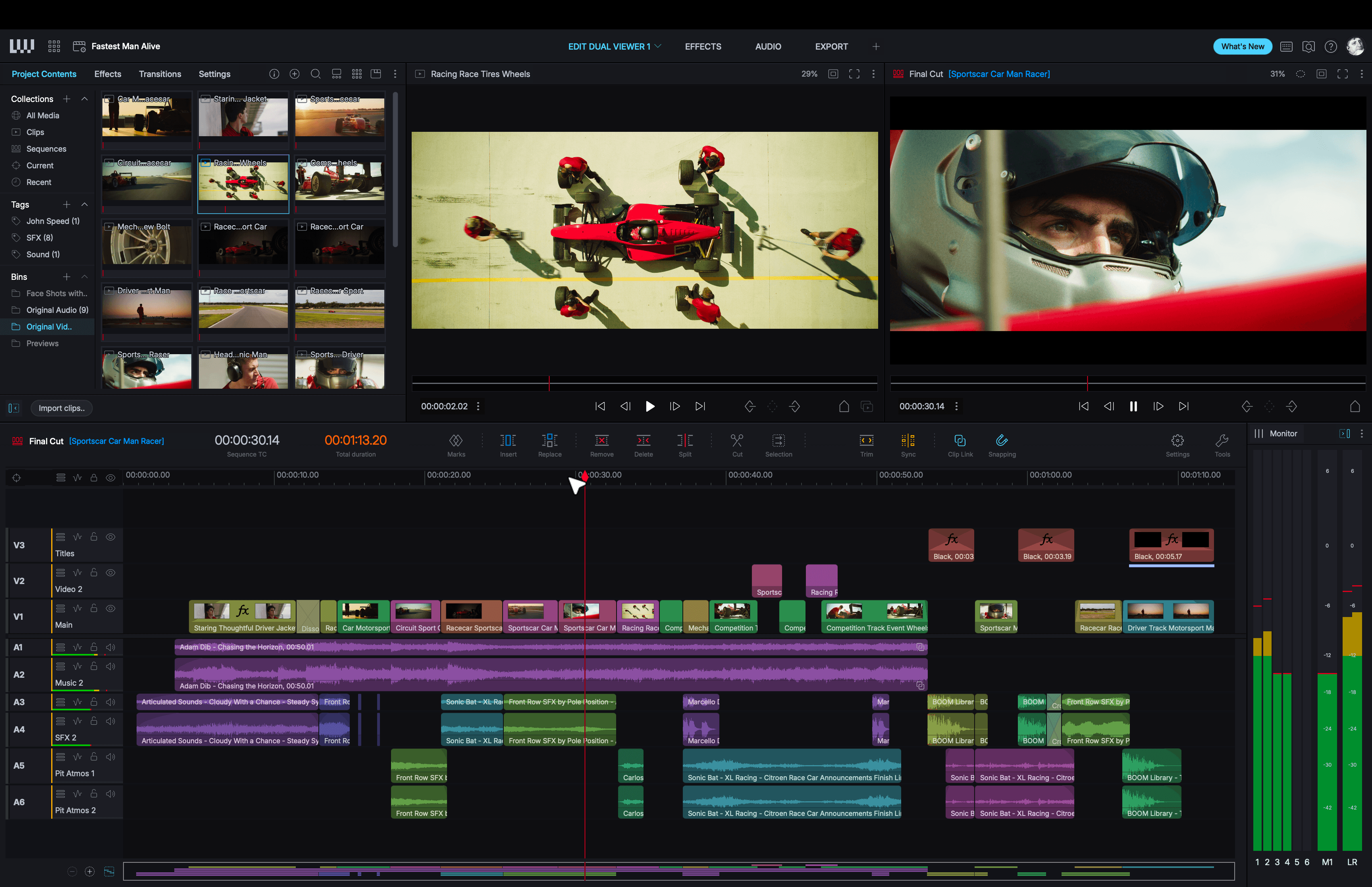
Lightworks can handle projects with tens of thousands of clips. Search, tag and organise into Collections and Bins. so the moments that matter never get lost.
Organise around the way you think
Give your project a structure that makes sense to you with Collections, Bins and Tags. Search by scene, take or your own custom metadata, and save active searches that update as the project changes.
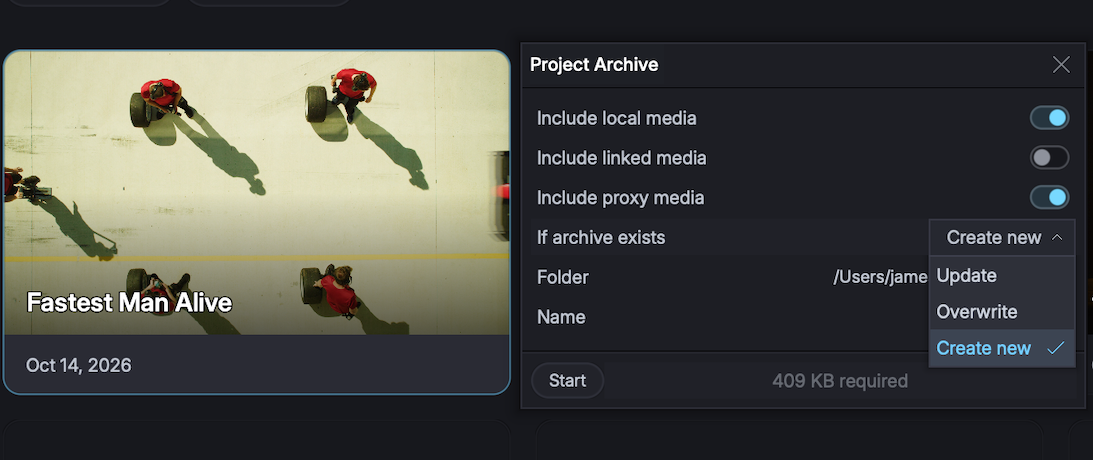
Manage and backup projects
Group related projects together in Project Spaces and create Project archives for backup that include the media for when you need to preserve or move the project and its content together.
Turn long clips into subclips
Break up long interviews or B-roll into subclips that work as full clips in their own right. Store them in bins, find them in searches, cut them into edits or export them individually.
Log your media with cue markers
Add frame or range cue markers with notes, comments or custom metadata to highlight important sections in clips or sequences and create subclips from them directly.
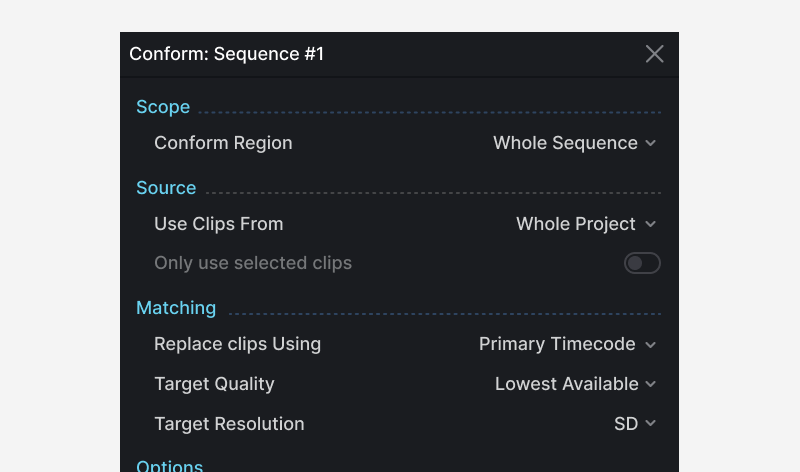
Replace media without re-editing
Seamlessly replace low-resolution footage with high-resolution originals, or swap placeholders for finished media in a sequence, keeping all your cuts perfectly in place.
A timeline built for editors
With intuitive editing and trimming controls at your fingertips, you can keep your eyes on the picture, not the tools. We call it heads-up editing and it is one of Lightworks strengths.
Fast, frame-accurate trimming
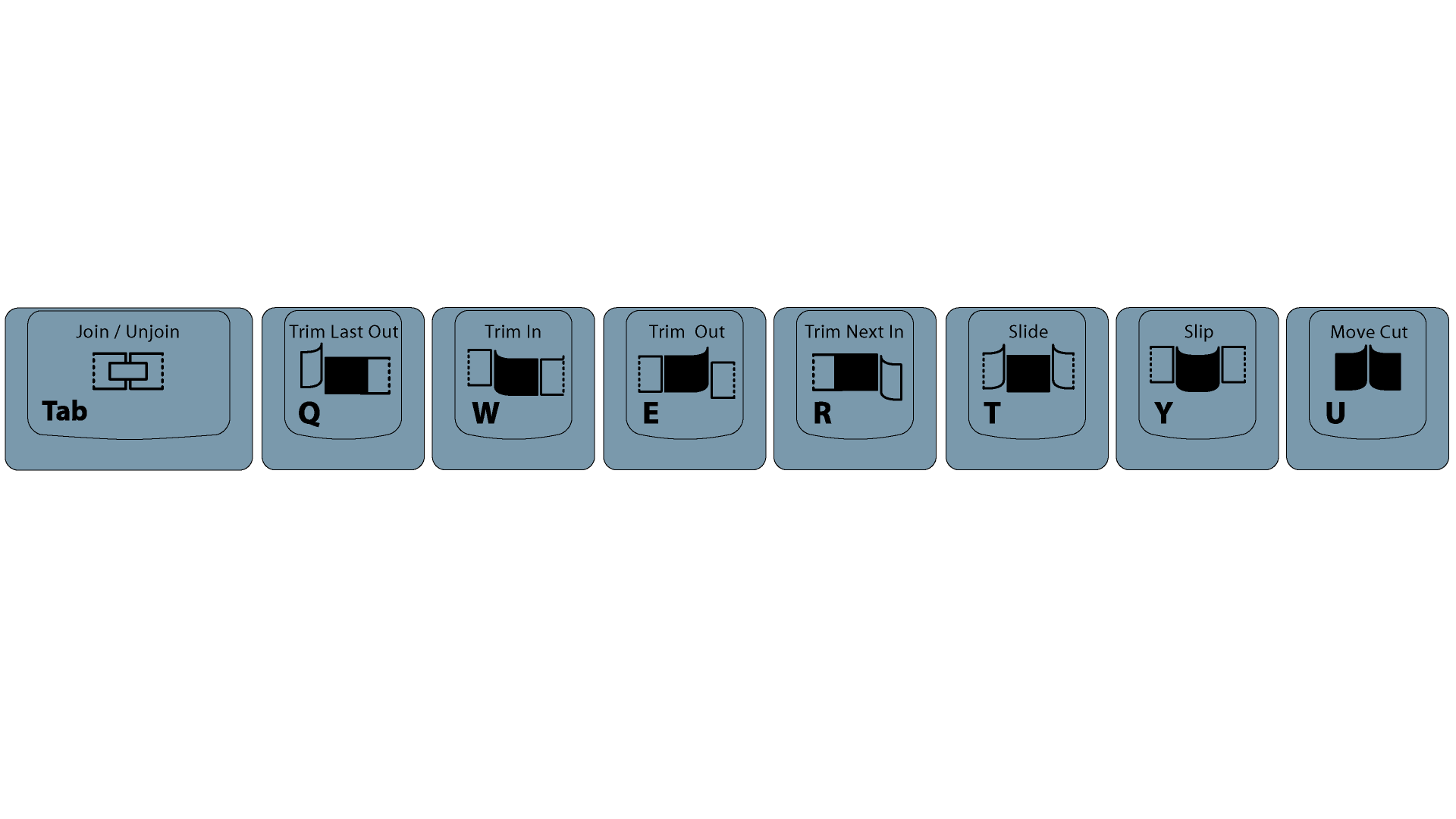
Trim in, Trim out, slip and slide using the mouse or a keyboard. Adjust the timing and preview it back with a few simple key presses. It's unique and it's fast, and we think you'll love it.
Sync you don't have to worry about
Intelligent Sync keeps related tracks aligned as you cut, insert and remove material. The rest of the sequence stays in step, so you can change the edit without chasing sync across the timeline.
Clip Link
Link subtitles to video, music beds to clips or other elements that need to move or trim together. Clip Link lets you define those connections as you build and change the edit.
Version contol
Create a new timeline version without overwriting your existing cut. Keep versions linked and switch between them to compare edits, try changes or return to an earlier cut.
Editing tools at your fingetips
The timeline toolbar gives you direct access to editing tools, without searching through menus or remembering keyboard shortcuts.
A timeline that's easy to read
Set track heights, colours and display options to suit your edit. Enlarge tracks for detailed work and use colour to distinguish picture, dialogue, music and effects.
Mix your footage, choose your output
Combine different frame rates and resolutions in the same timeline, then choose your output settings. Work in SDR or HDR and switch between proxies and originals as your workflow requires.
Balance dialogue, music and atmosphere
Sound shapes how your audience experiences the story. Edit audio, adjust levels, add effects and mix dialogue, music and atmosphere, all within Lightworks.
Mix and monitor your audio
Balance dialogue, music and effects in the mixer, with meters to monitor levels while you watch the edit. Route audio, group tracks and create separate mixes.
Built in Effects and VST3 support
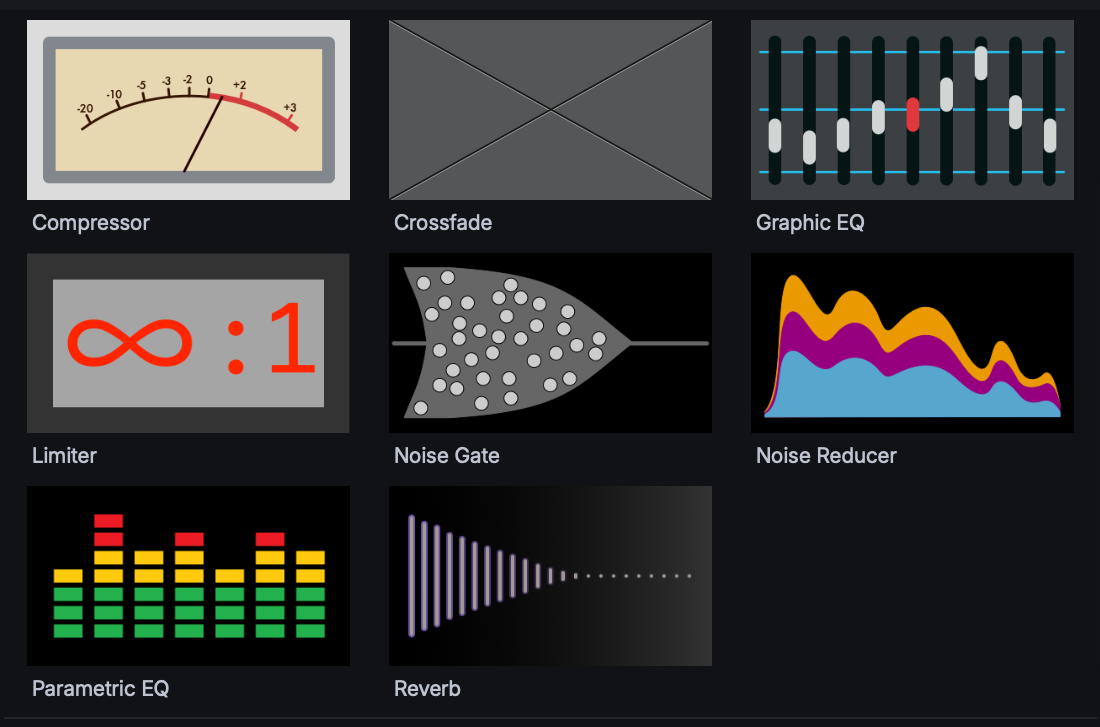
Adjust tone, reduce noise and control levels with EQ, Noise Reducer, Compressor and Limiter. Load compatible VST3 plugins to use your preferred audio tools within Lightworks.
Record faders with automation
Record level changes as automation with Write, Touch and Latch modes while the sequence plays.
Record voiceover into your edit
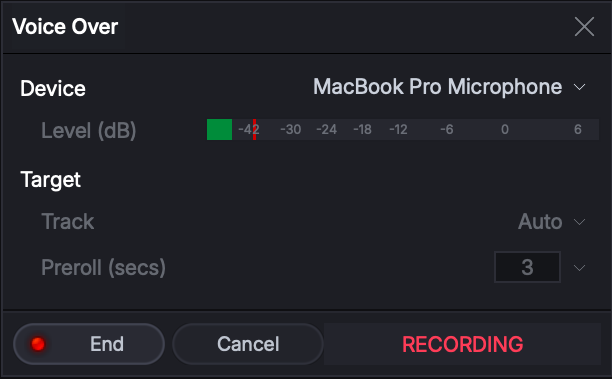
no need for a separate application. Select an audio track and record your voiceover directly onto the timeline while watching the sequence.
Instant fades on audio clips
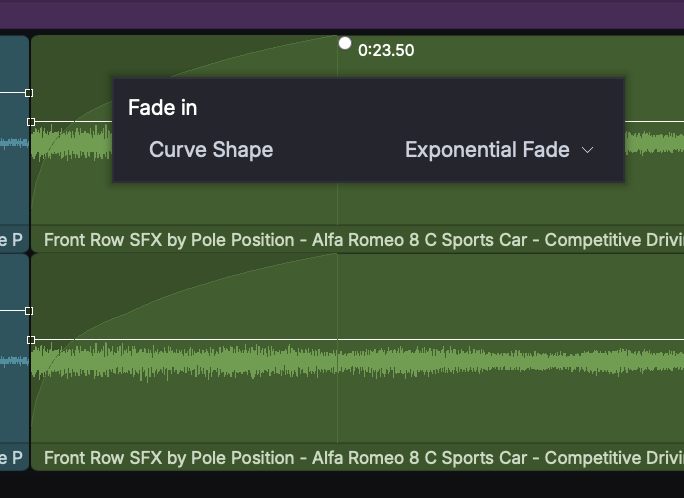
Add fade-ins and fade-outs directly to audio clips and adjust their duration on the timeline. No separate effect setup is needed.
Make your edit stand out
Grade your footage, explore creative LUTs and layer effects to give your edit a distinctive look. Reframe shots, add titles and use masks to apply adjustments exactly where you want them, all within Lightworks.
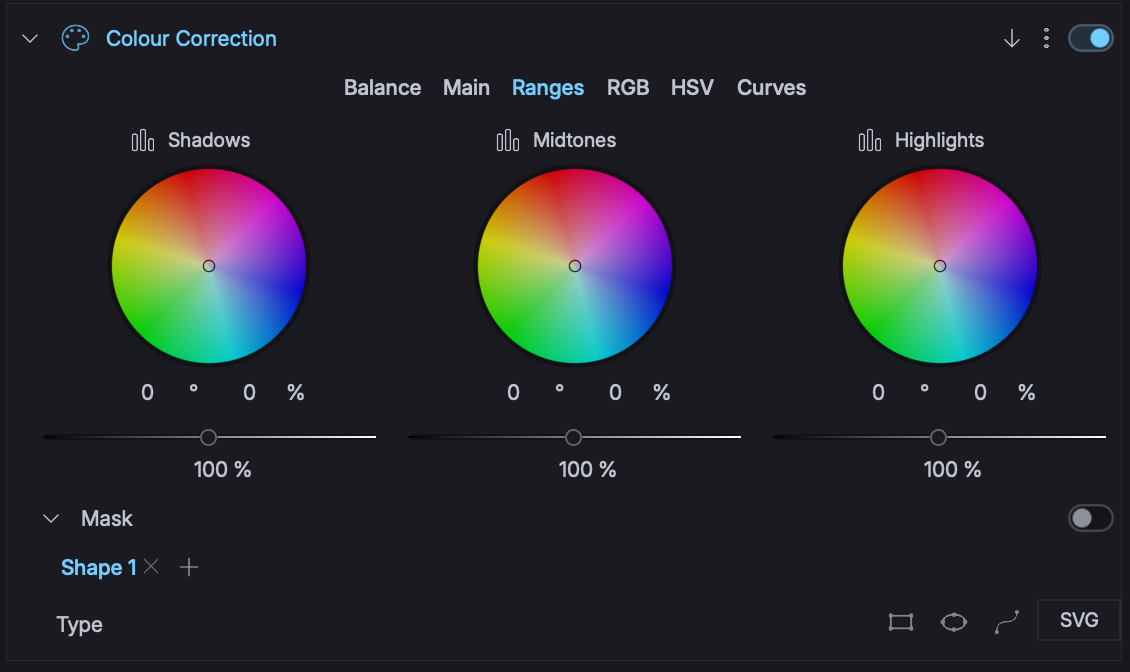
Balance and correct your shots
Adjust colour and target specific areas with selective correction. Apply technical LUTs to camera footage or use creative LUTs to develop the look.
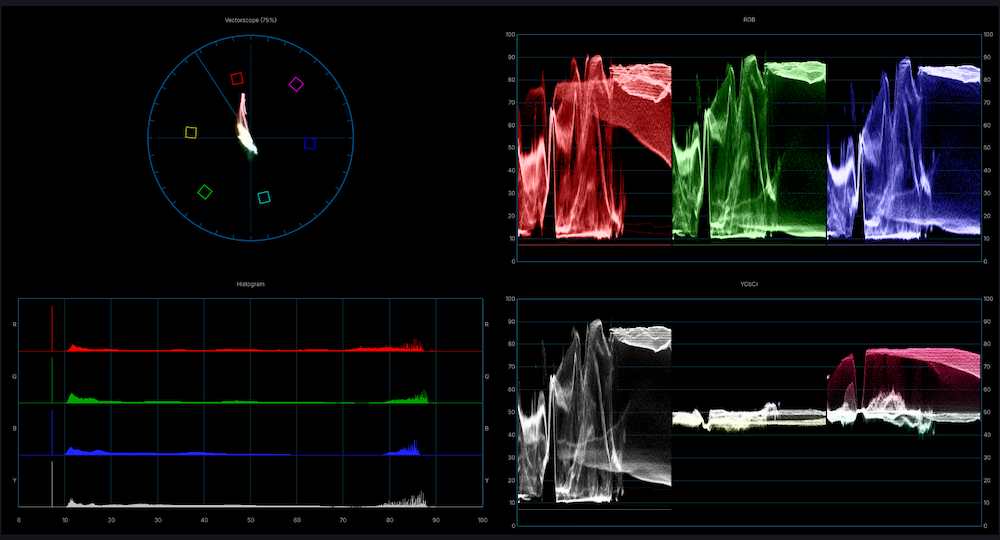
Broadcast scopes for SDR and HDR
Check colour and video levels with broadcast scopes for SDR and HDR. Monitor the scopes alongside the picture as you grade and match shots.
Reframe or reposition your content
Reframe shots for landscape, square, portrait and other formats, with control over position, scale and background. Use keyframes to change the composition over time.
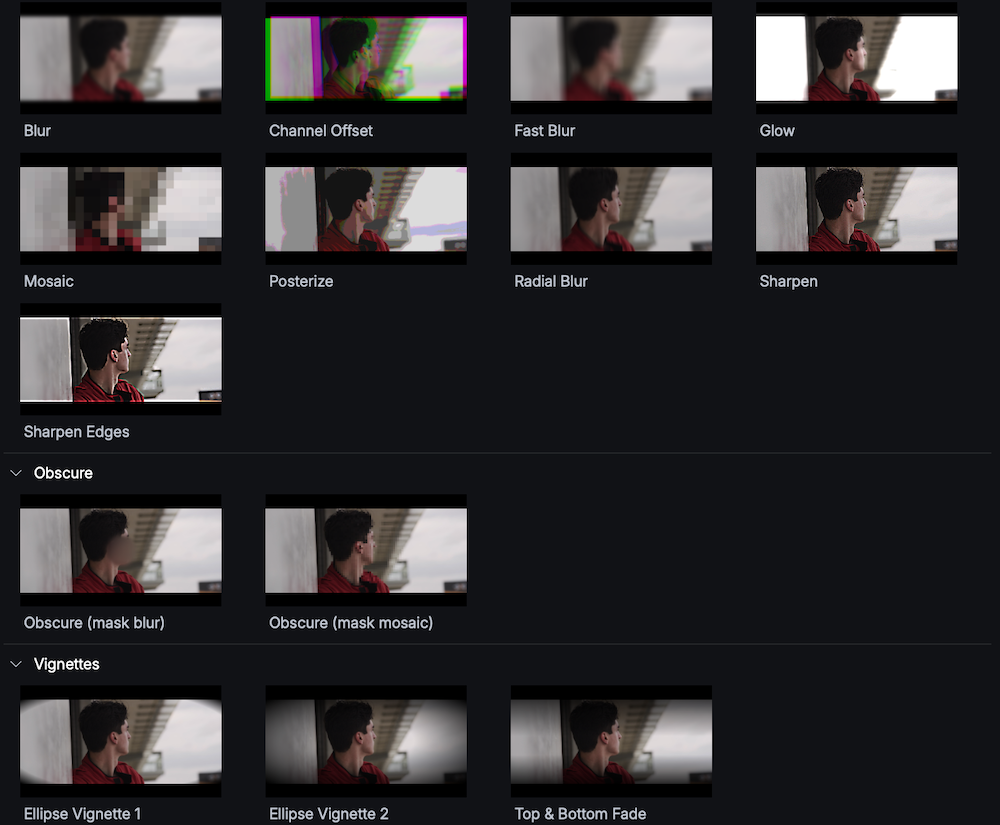
Blur, glow and stylise your footage
Apply blurs, glows and mosaic effects to your footage. Use masks to limit an effect to part of the picture and keyframes to change it over time.
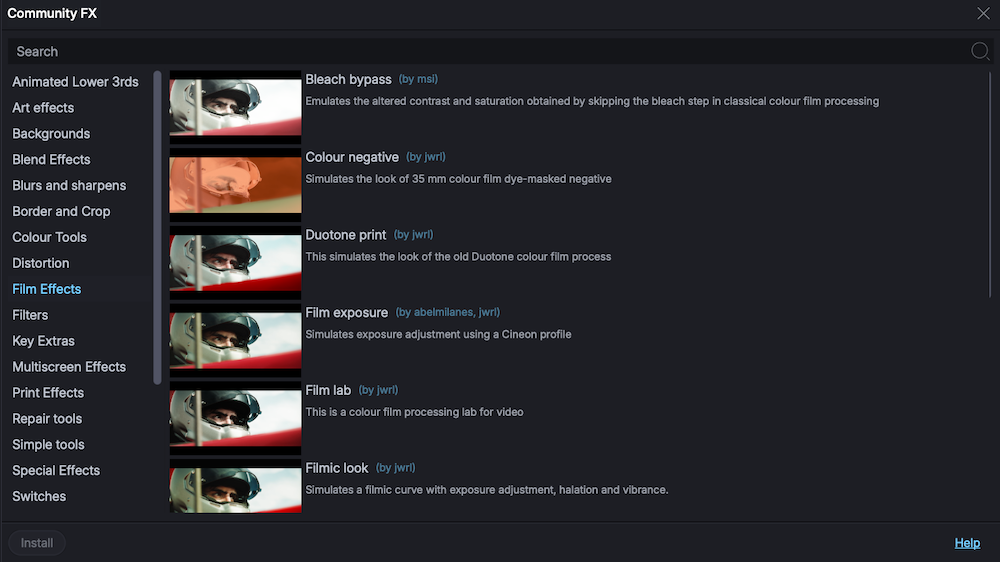
Over 300 free user community effects
Choose from more than 300 effects designed and shared by Lightworks users directly in the app. Add community-created effects to your toolset at no extra cost.
Composite shots with chroma and luma keying
Remove green or blue backgrounds with chroma keying, or key areas based on brightness with luma keying. Combine the result with footage or graphics, using masks to control the visible area.
Build graphics with shapes and SVGs
Create graphic elements with 2D shapes, custom shapes and imported SVG artwork. Animate their position and scale with keyframes to build movement into your graphics.
NewBlue and BorisFX
Choose from hundreds of customisable titles and motion graphics, supplied by NewBlue as part of a Lightworks package.* Lightworks also supports compatible Boris FX plugins to extend your effects toolset.NewBlue content is available on Windows and macOS only.
Instant video fades on clips
Add fade-ins and fade-outs to video clips and adjust their duration directly on the clip. Transition to white, black or transparent to mix into another clip.
Over 100 built in transitions
Add dissolves, wipes and other transitions between shots.
Get even more from Lightworks
Customise the UI, output to hardware, save your shortcuts, get help and explore even more of what Lightworks has to offer.
-
A flexible workspace across two screens
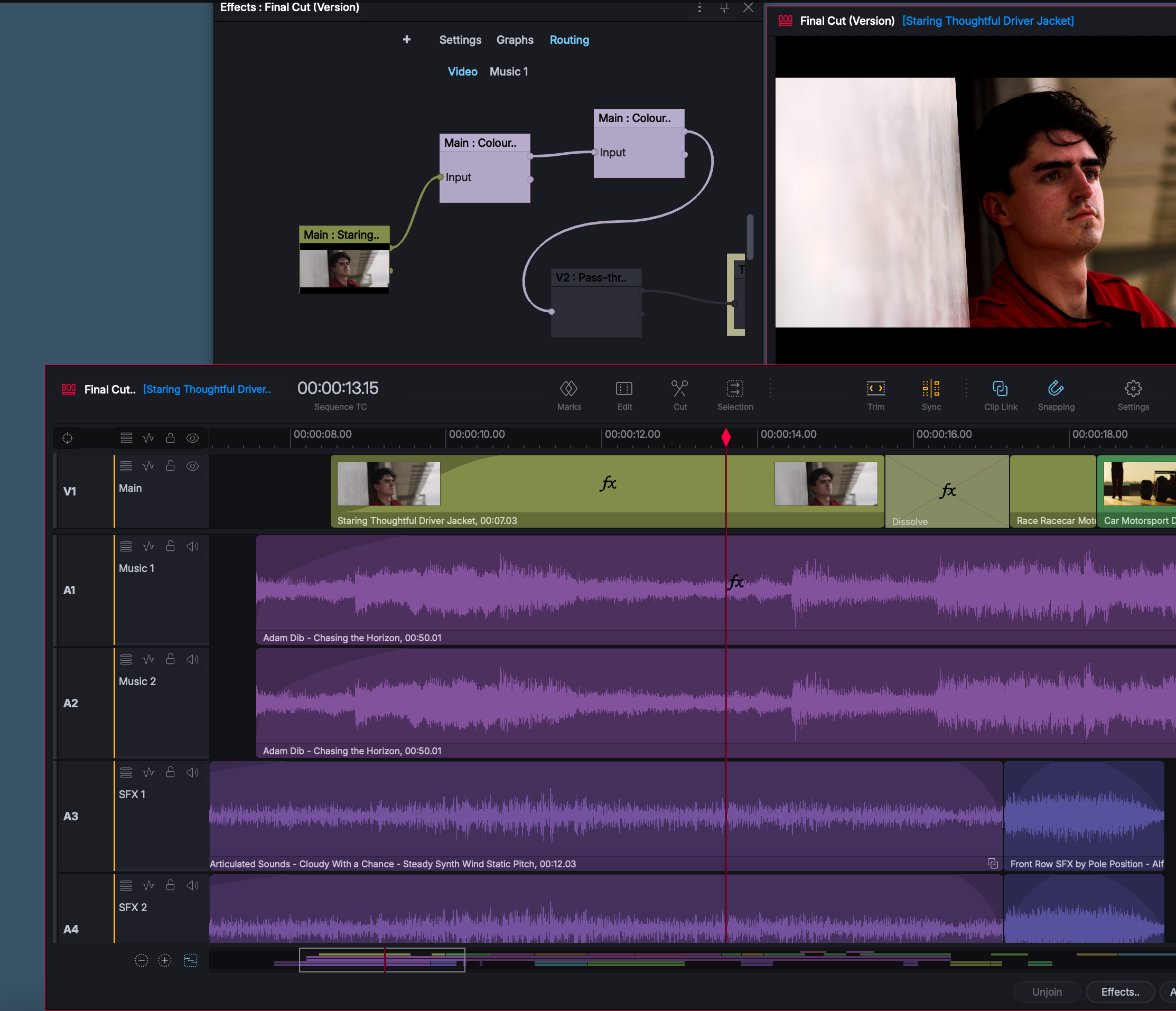
Position viewers, bins and timelines where you want them in Flexible Layout and extend the workspace across two screens.
-
Design your own fixed layouts
Selet and arrange panels in the Layout Designer to create layouts for editing, effects or audio that make efficient use of the screen.
-
Choose your fonts, appearance and language
Adjust the interface font, text size and appearance to suit your display and preferences. Choose from 18 available languages.
-
Set up your keyboard shortcuts
Assign commands to your preferred keys and save your own shortcuts. Load a preset as a starting point or build a setup around the commands you use most.
-
Hardware controls for editing and mixing
Use Contour ShuttlePRO for playback and editing controls, and supported Mackie-compatible controllers for hands-on audio mixing.
-
Full-screen viewing and external output
View the picture full-screen on your main display or a secondary monitor. Output through HDMI or supported Blackmagic Design or AJA hardware.
-
REST API for custom workflows
Use the Lightworks REST API to build custom tools, connect production systems and automate supported operations.
-
Guides, tutorials and community help
Search the knowledge base in Lightworks or on the website, watch tutorial videos and interact with other users in the community forum.